Abo Dola Studio
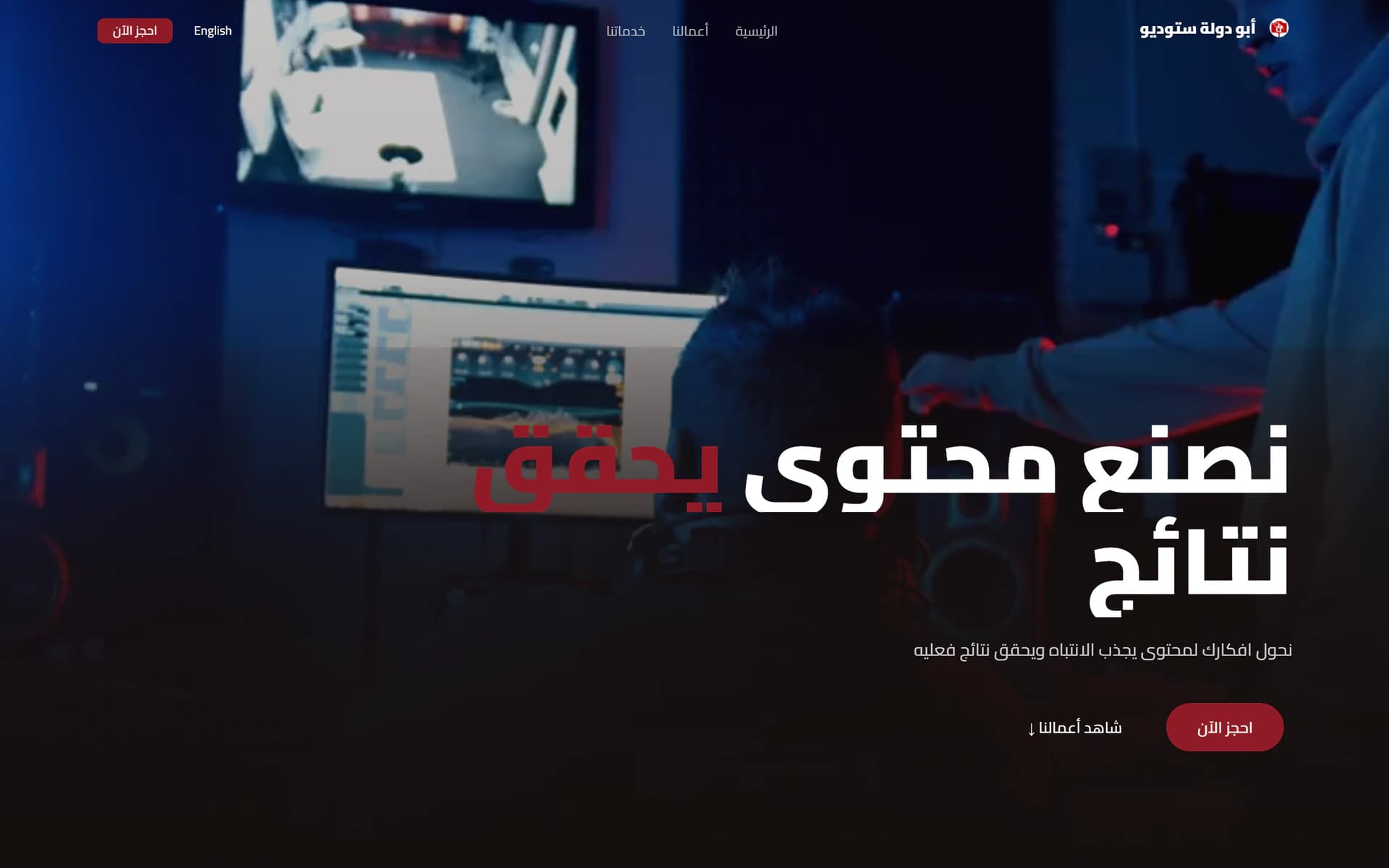
A bilingual booking platform for a production studio, where clients book without ever creating an account.
- Platform
- Web
- Year
- 2026
- Role
- Full-stack developer
The challenge
A studio takes bookings from people who will use it once. Asking them to register, verify an email and remember a password to reserve a shooting day is friction that costs bookings — but the studio still needs the order, the payments and the schedule tied together internally.
The approach
Clients stay guests: their details live on the order itself, so booking is a form and nothing more. The studio side is a separate dashboard behind its own login — orders, catalogues, pricing, media, payments, calendar and team — with permissions per role, and staff signing in with whichever of phone or email the studio registered for them.
The result
The studio runs its whole operation from one place, and the client never meets a signup form. It is live on the studio's own domain.
Highlights
- A step-by-step booking wizard — The client picks the service, the date and the details one step at a time, and reaches confirmation without creating an account.
- Clients stay guests — No signup, no email verification, no password — the client’s details live on the order, because most of them book once.
- A video portfolio — Reels and stills from the studio’s own work, managed from the dashboard rather than hand-placed in code.
- A full operations dashboard — Orders, my tasks, catalogues, pricing, media, payments, customers, calendar and team — each behind its own role permissions.
- Staff sign in by phone or email — Each member uses whichever the studio registered for them, and the login route is not linked from the public site at all.
- Arabic and English, both directions — Real RTL for Arabic and LTR for English through next-intl — not a mirror pasted over one layout.
Built with
- Next.js
- TypeScript
- Drizzle ORM
- better-auth
Next project
Kemo Prompt Engine