Al-Baseera Centre
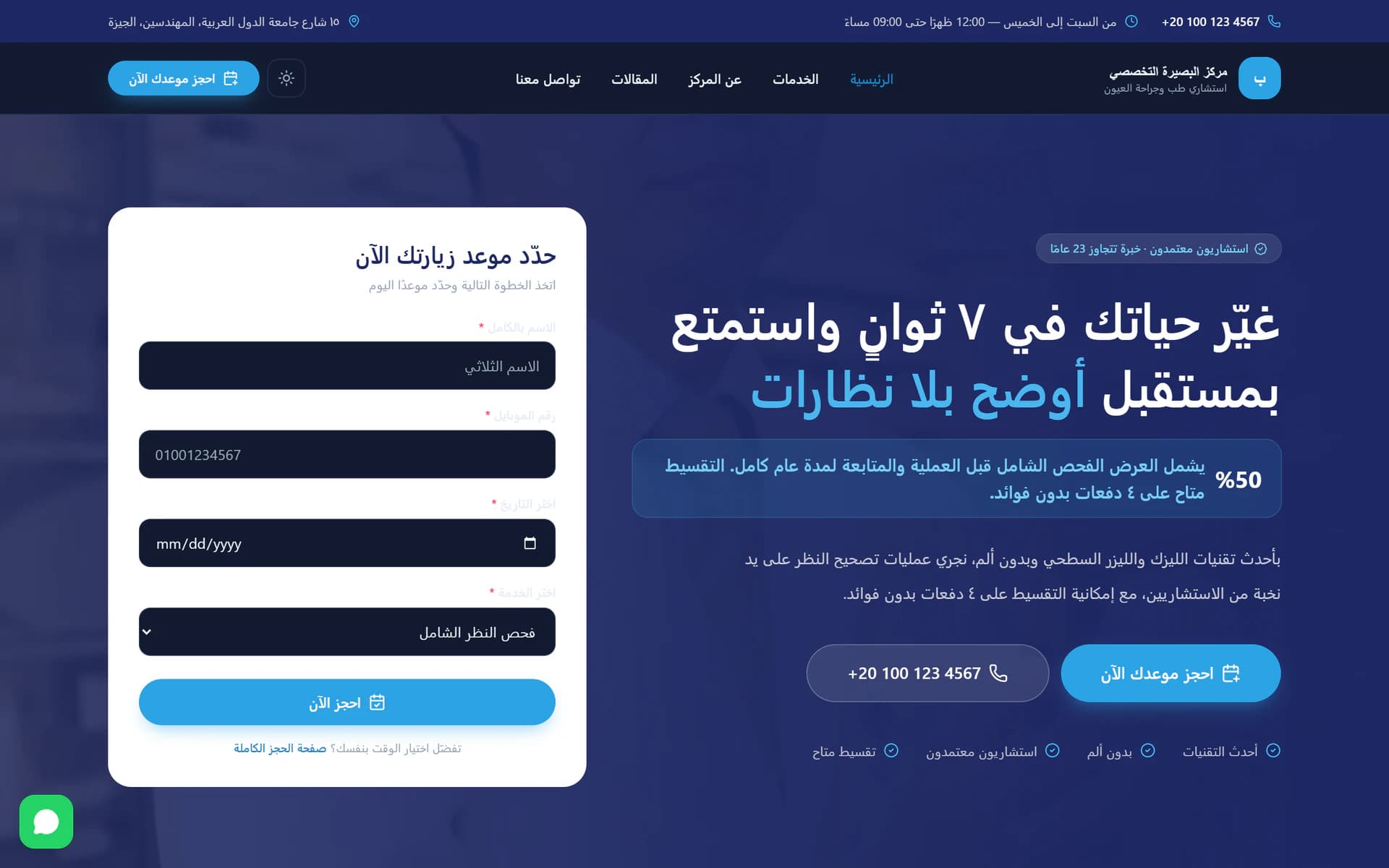
A clinic site with appointment booking and a dashboard that controls every word and image the public page shows.
- Platform
- Web
- Year
- 2026
- Role
- Full-stack developer
The challenge
Clinic sites go stale because changing them means calling the developer. Prices move, a doctor joins, hours change during Ramadan — and the site keeps saying last year's version because nobody wants to file a ticket for a sentence.
The approach
Everything on the public page is a row the clinic can edit: sections, services, doctors, hours, the booking form. The visual design was built to a reference the owner supplied — Cairo type, a fixed blue and navy, specific radii — so the result looks like the clinic asked for it rather than like a template.
The result
The clinic edits its own site, and the booking flow is part of the page rather than a phone number and a hope.
Highlights
- Booking against real availability — The times on offer are computed from working-day rules, blocked dates and each service’s own duration — not a fixed grid that happily accepts a taken slot.
- Services with their own prices and durations — Each service carries a description, duration, price, icon and colour, plus a page explaining what it covers and who it is for.
- Medical articles — Educational content written from the dashboard, bringing in search traffic a one-page site never sees.
- Before-and-after and a photo gallery — Real results shown side by side — the single most persuasive thing for a patient weighing two clinics.
- Doctors, credentials and numbers — Doctor profiles, qualifications, clinic statistics and patient reviews — all editable rows, none of them hard-coded.
- No hard-coded copy anywhere — Even section headings, the FAQ and the contact details are changed from the dashboard and appear immediately.
Built with
- Next.js
- TypeScript
- Prisma
- PostgreSQL
Next project
Dr Hassan El-Hefnawy — Cardiology