Templets
A registry of React and Tailwind components that AI coding agents can install directly into a codebase, over a native MCP server.
- Platform
- Web
- Year
- 2026
- Role
- Full-stack developer
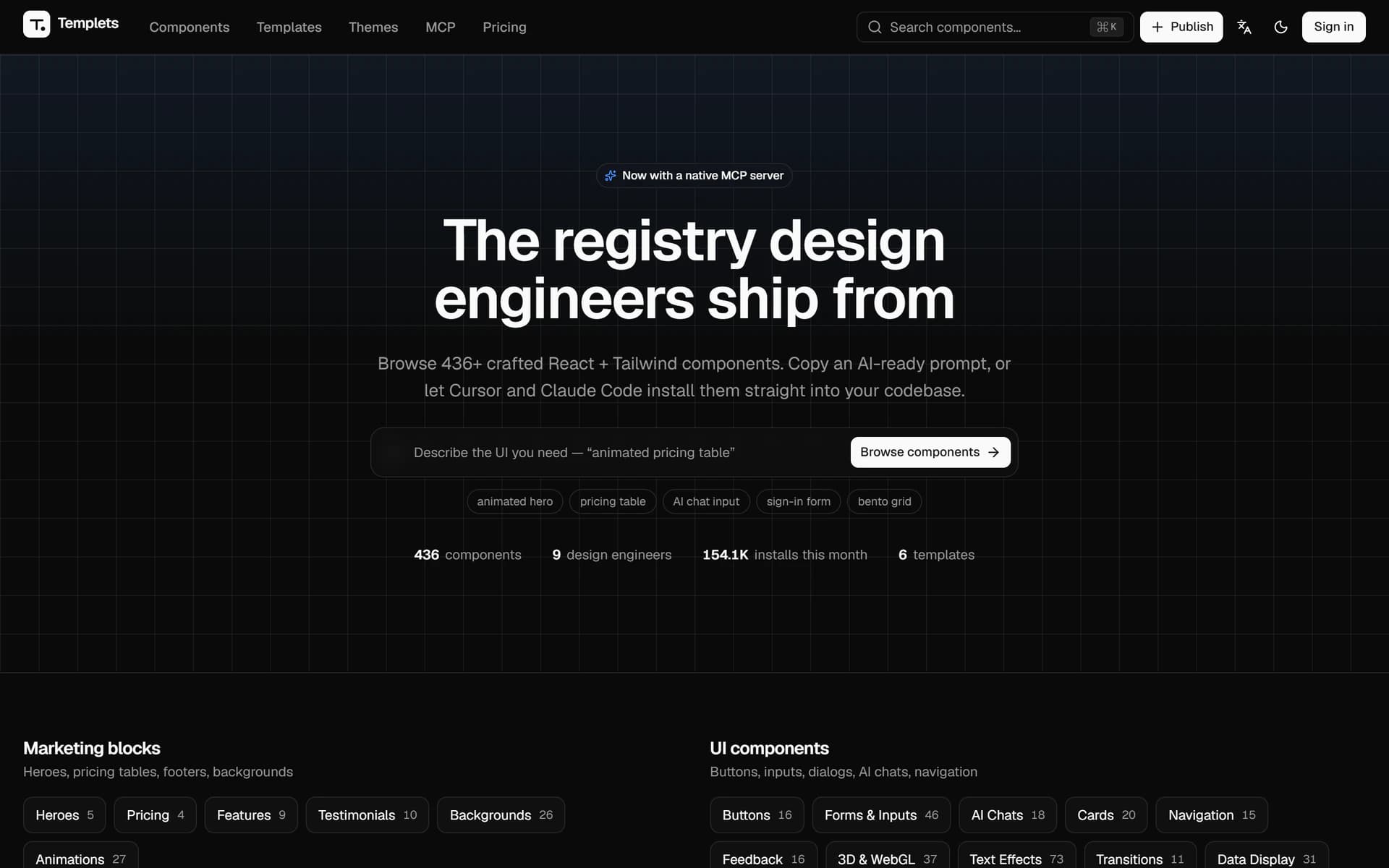
By the numbers
- Components published
- 436
- Installs per month
- 154.1K
- Native agent install
- MCP
The challenge
Component libraries assume a human is browsing, copying and pasting. That breaks the moment the person writing the code is an agent: it cannot see a preview, and a screenshot tells it nothing about the props it has to satisfy.
The approach
Every component is published three ways from one source: a live preview for people, a copyable prompt for chat, and an MCP tool call so Cursor and Claude Code install it into the project themselves. The whole stack is self-hosted — Postgres, S3-compatible storage, auth — with no paid SaaS underneath it.
The result
The registry now carries 436 components and reports 154,100 installs in a month. The MCP path is what drives that: installing a component became one sentence to an agent instead of a browse-copy-paste round trip.
Highlights
- Live preview inside the card — Every component actually runs in the grid — a sandboxed iframe with Babel and an import map, mounted only once it scrolls into view.
- A native MCP server — Point Cursor, Claude Code or Windsurf at the registry, describe the component you want, and it installs itself into your project.
- A copyable AI prompt — Each component ships a written form meant for a model, for anyone who would rather paste into chat than wire up a tool.
- Search and filters — Instant ⌘K search, filtering by category, tag, RTL support and free/paid, sorted by trending, newest or most used.
- Publishing by others — The registry is not closed — other design engineers publish into it, each with their own profile page.
- Entirely self-hosted — Postgres, Drizzle, and Auth.js sign-in over GitHub, Google or a magic link — with no paid SaaS underneath it.
Built with
- Next.js 16
- React 19
- TypeScript
- Tailwind v4
Next project
Majestic — Field Sales & POS